

Digital Signage and Smart Display Platforms
Screen failures happen in public. We build signage software, display apps and remote management for display makers who ship screens and for the retail, hotel and campus operators who run them.
- Network & Connectivity
- Security & Surveillance
- Connected Healthcare
- Smart Cities & Infrastructure
- Fleet & Logistics
- Energy & Smart Utilities
Managed Screen Networks
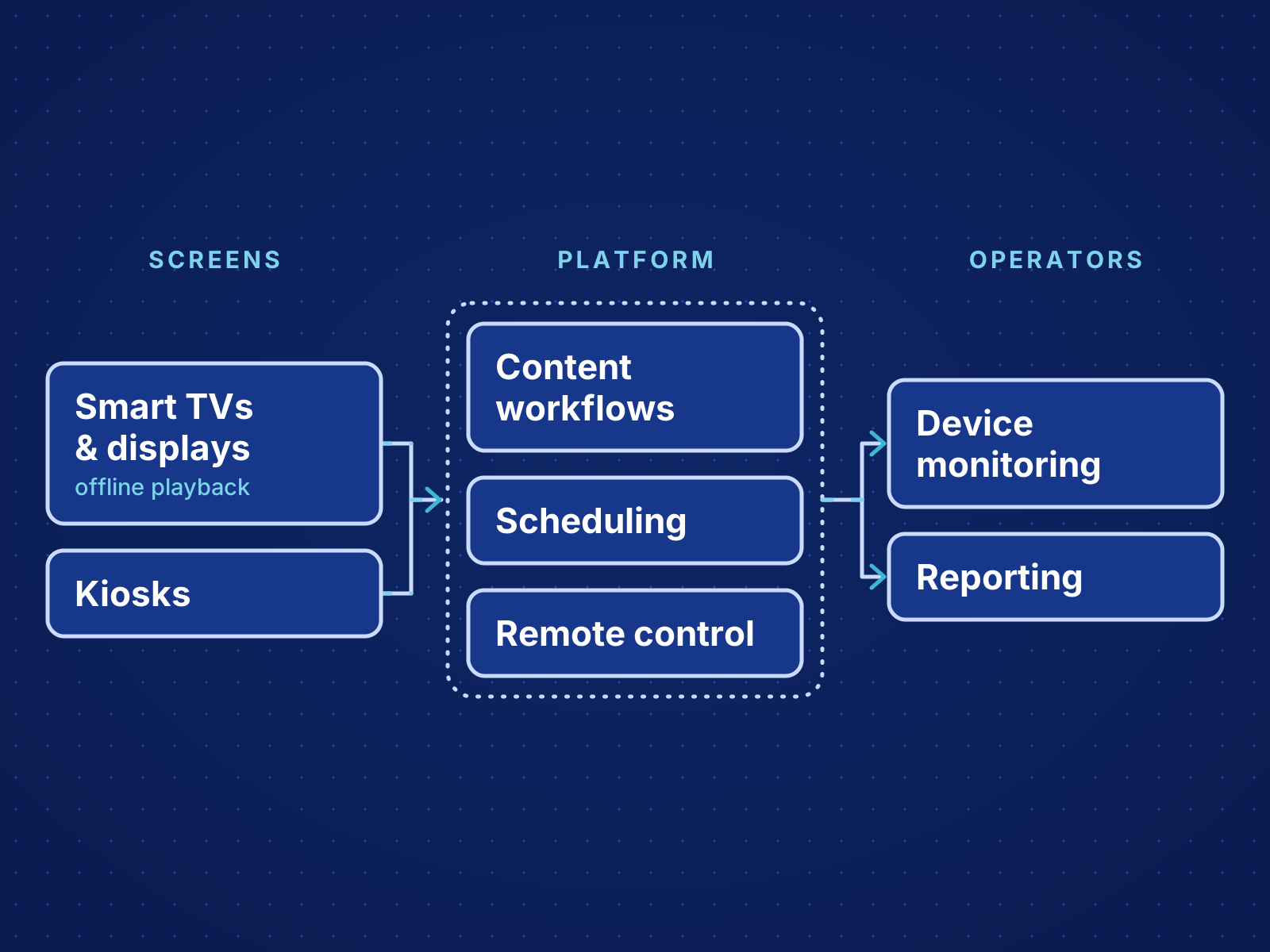
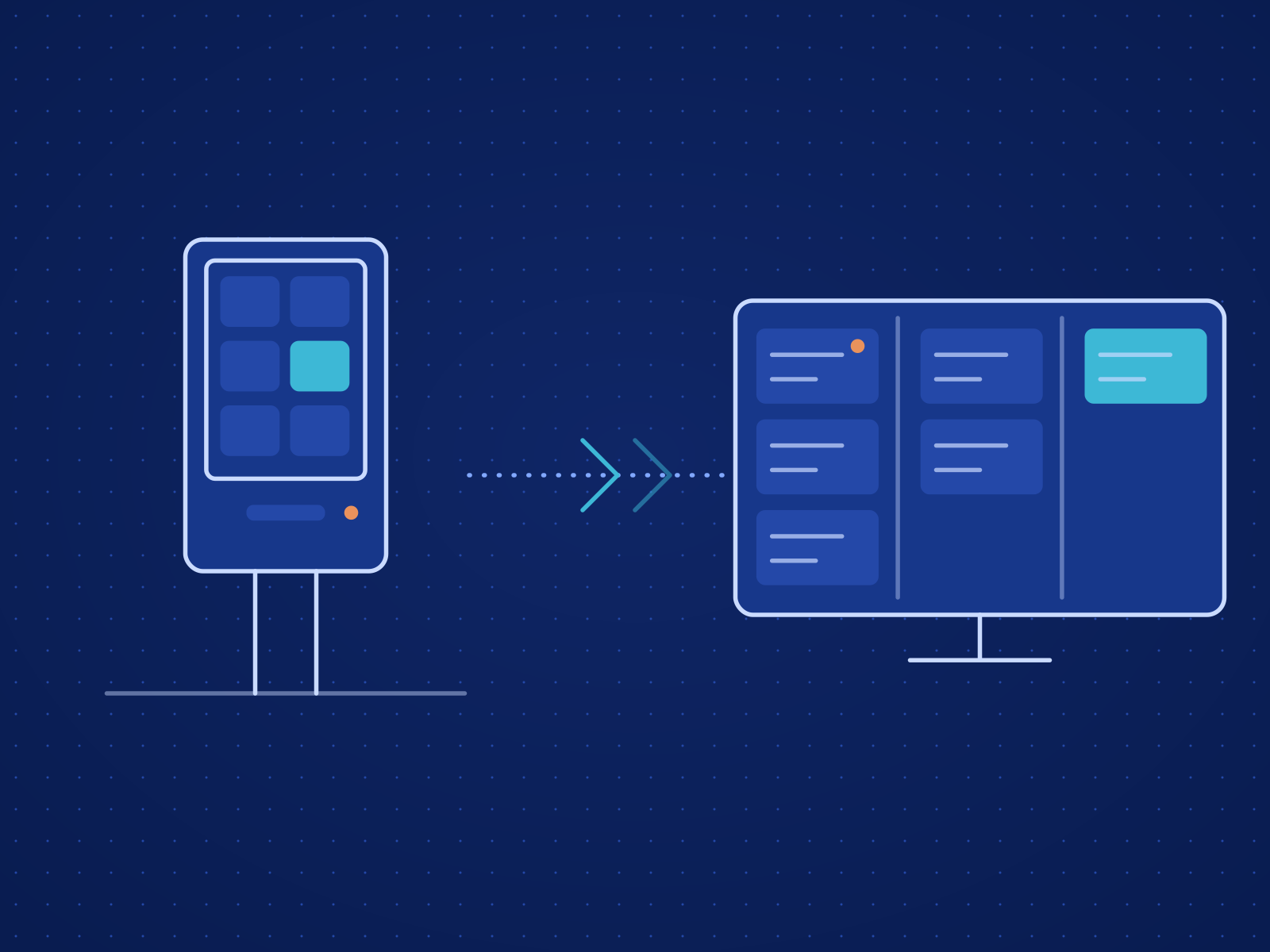
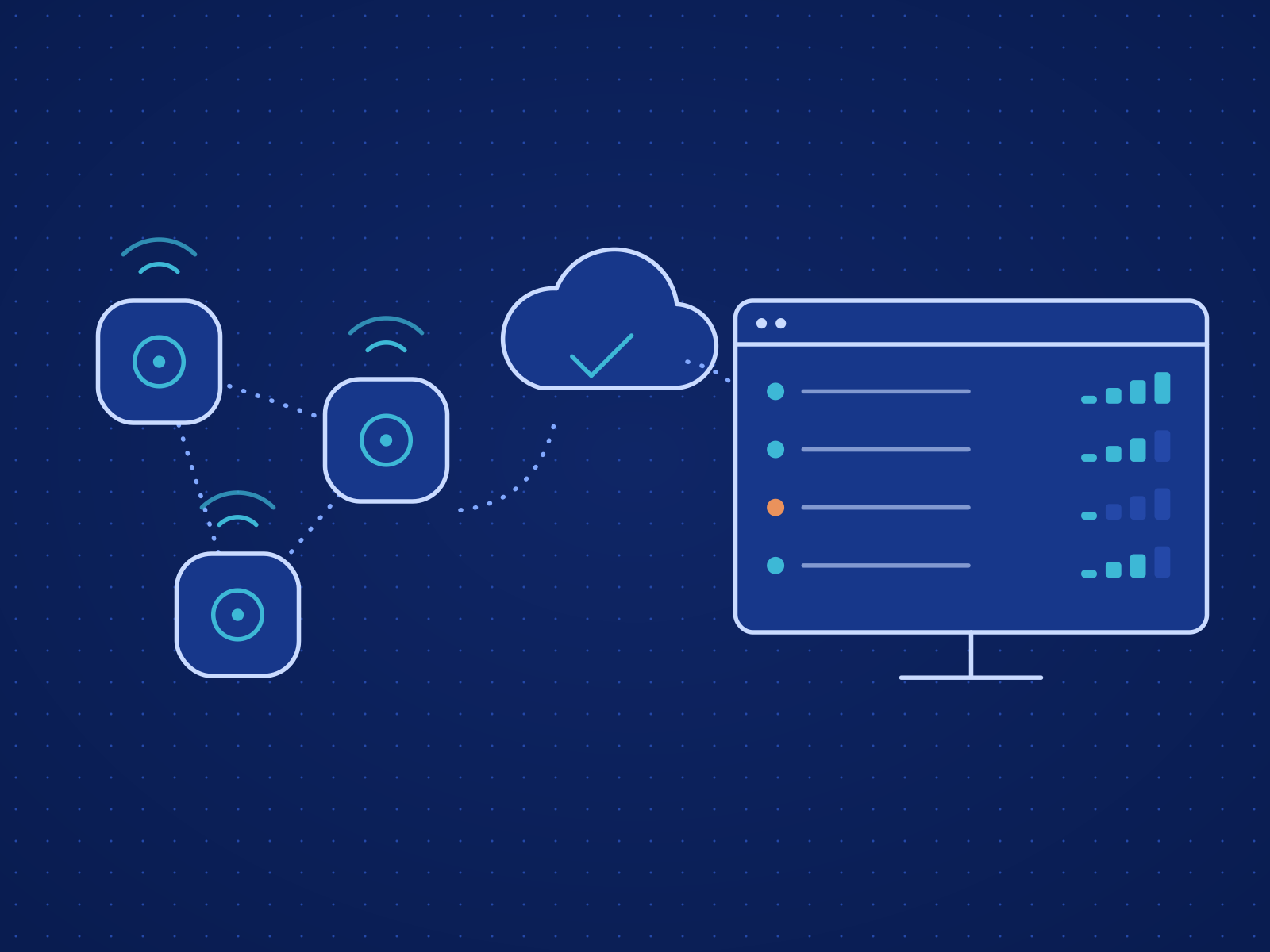
A screen network needs content workflows, scheduling, remote control, playback that survives a dropped link and a view of every device's health. We build these as one managed platform, so publishing and support run from the same console.
What We Deliver
Business Challenges We Address
Screens Hard to Manage at Scale
As displays multiply, updates, schedules and field support stop being manageable by hand.
Content That Depends on Context
Screens often need content that changes by time of day, location or business event.
Failures Customers See
A frozen screen or failed update is seen by every customer who walks past.
Industry Use Cases
Retail Signage Network
In-store displays, promotions and content timing managed across a chain of stores.
Hospitality Display Experience
Menus, promotions, announcements and in-room displays for hotels and restaurants.
Education Content Screens
Scheduled campus screens managed alongside interactive classroom panels.
Intended Outcomes
Every screen's content controlled from one console.
Less effort spent updating, monitoring and supporting screens.
Content matched to the time of day and the location.
Capacity for more screens and sites on the same platform.
Delivery Experience & Deployments
Digital Signage Projects
Digital signage and remote content display systems built for clients.
Smart TV Application Work
A smart TV file reader and other display-focused applications.
Connectors & Systems
Deployment Models
Cloud
Central management for screen networks where content changes often.
Edge + Cloud
Screens play from local storage while content is managed centrally.
On-Premises
Local management on restricted networks with few outside dependencies.
Implementation Process
Display Use Case Discovery
We review content workflows, playback needs, device types, schedules and who operates the screens.
Platform & Player Architecture
We define the content model, player behavior, rollout controls and remote management.
Build and Device Testing
We build the software and test playback and content control on the target hardware.
Launch and Operator Training
We launch, train operators and set routines for publishing and support.
Technologies & Delivery Models
Playback Applications
The tools we rely on for this layer of the system.
Why KoderTroop for Digital Signage & Smart Display Solutions
Devices, cloud and applications delivered by one partner, with every decision documented and handed over.
Centralized Screen Control
Content, schedules and device state for every display on one platform.
Reliable Playback Experience
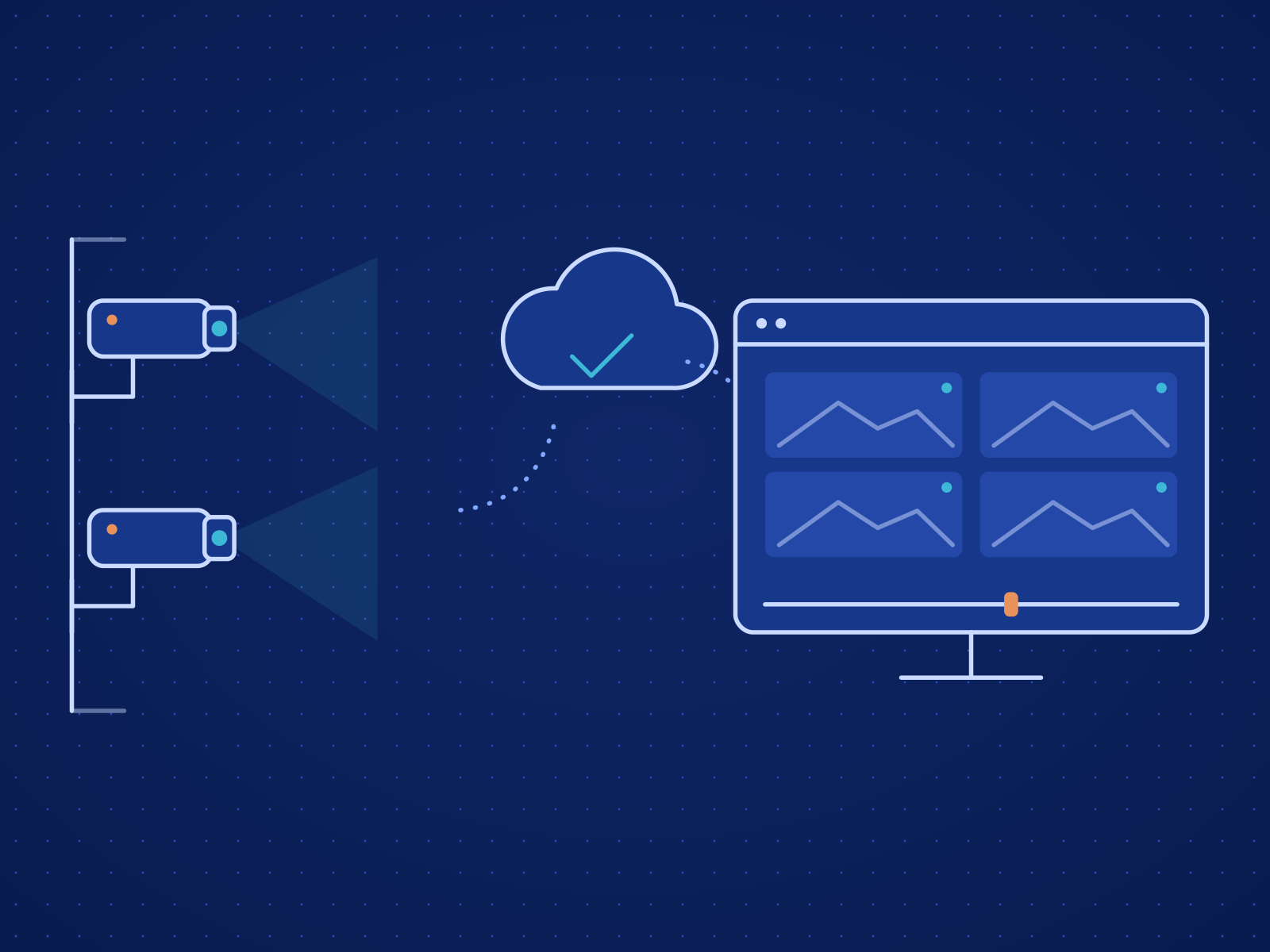
Health checks and controlled updates catch playback faults before customers see them.
Room for More Screens
Display makers and operators add screens, sites and content rules without changing platforms.
Related Case Studies
Frequently Asked Questions
Your Digital Signage & Smart Display Solutions Project
Tell us what you are building and the constraints around it. We will scope the work with you.
Display Use Case Discovery
We review content workflows, playback needs, device types, schedules and who operates the screens.
Platform & Player Architecture
We define the content model, player behavior, rollout controls and remote management.
Build and Device Testing
We build the software and test playback and content control on the target hardware.
Launch and Operator Training
We launch, train operators and set routines for publishing and support.